Don't Fear the Glitch: A Guide to Resilient Worship Tech
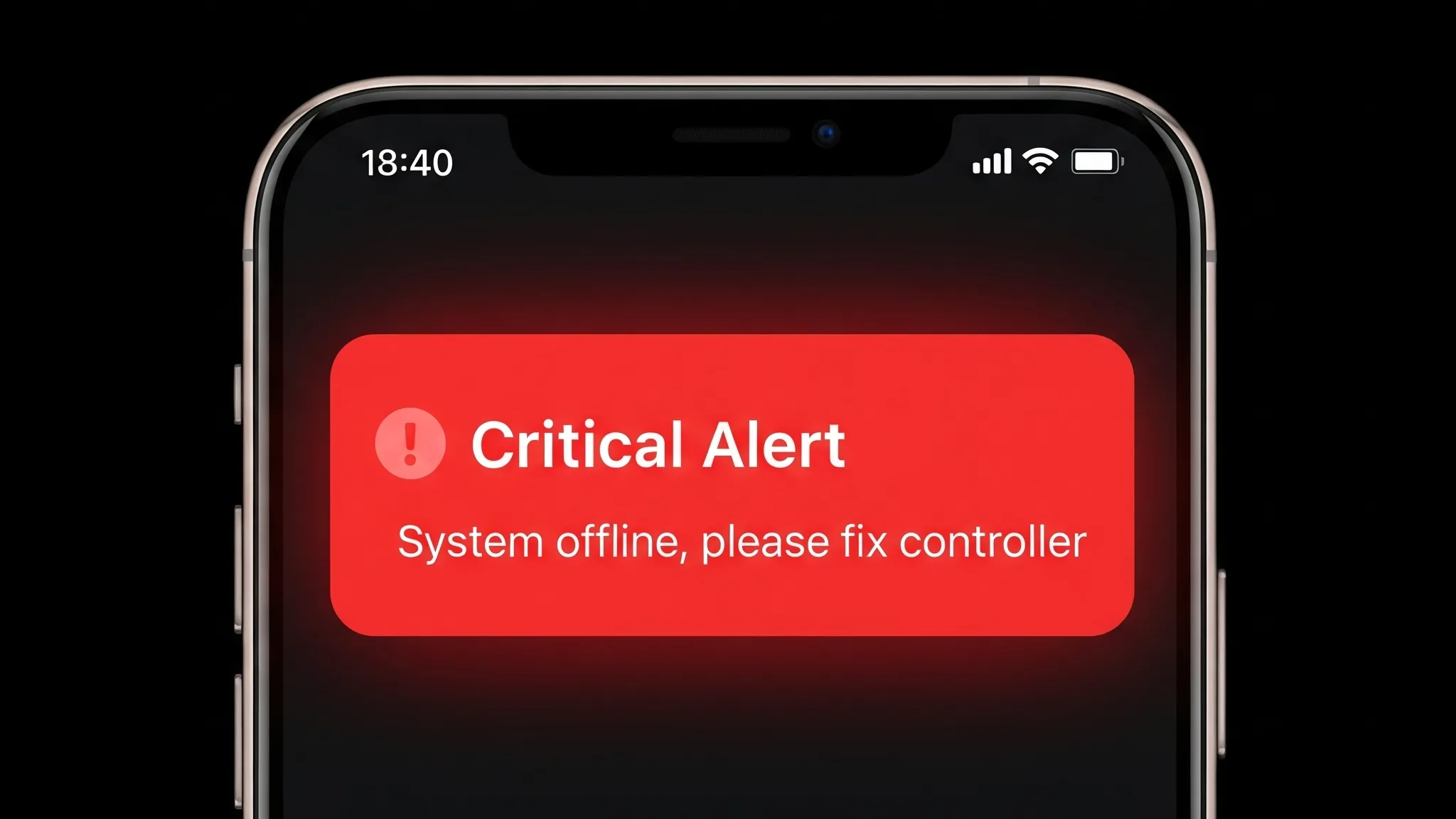
When the sound is clear, the lyrics are on screen, and the livestream is stable, it’s easy to forget the complex network of technology working in harmony to make it all happen. But what happens when a key piece of that system fails?
It’s a situation that can unsettle even the most seasoned tech volunteer. Last night, I was reflecting on the various equipment and configuration issues that can pull our focus from worship, create distractions, or jeopardize the services we work so hard to support.
We’ve all heard stories or experienced them firsthand. Some I’ve seen in the past few weeks:
- A crucial audio network suddenly going offline moments before service.
- The graphics not appearing on screen after a big event teardown.
- A livestream feed dropping in the middle of a message.
Even as I’m writing this, a major radio network just went offline nationwide.
These issues aren’t a reflection of your commitment or skill. In our digital world, they are a part of life. The question isn’t if a problem will occur, but how we can prepare ourselves to respond with grace and confidence.
From Panic to Preparedness
Section titled “From Panic to Preparedness”When you’re likely a volunteer or a staff member wearing many hats, the thought of a major tech failure can be overwhelming. You might not have a full-time broadcast engineer on speed dial, but that doesn’t mean you have to be powerless.
The key is shifting our mindset from fearing failure to practicing good stewardship of our technical systems. Modern solutions for audio (like Dante) and video (like NDI) often have built-in redundancy features. While some of these can be complex, the principle behind them is simple: having a backup plan.
You can build your own “redundancy” through three simple, low-cost habits:
- Know Your System: Identify the most critical components. What one or two things would cause the biggest disruption if they failed?
- Document Everything: Keep a record of key settings and configurations. Crucially, this documentation should not live on the computer that might crash!
- Monitor Your Outputs: Have a simple way to see and hear what your congregation sees and hears.
These steps are the foundation for a resilient system and a confident tech team. They help you move from reacting to a disaster to proactively managing a challenge.
Your Action Plan for This Week
Section titled “Your Action Plan for This Week”If you don’t have an up-to-date plan for technical emergencies, you’re not alone. Let’s change that this week with one simple action.
Grab a three-ring binder and create a divider for each of your major systems (e.g., “Main Sound Console,” “ProPresenter PC,” “Livestream Encoder”). On the first page, add phone numbers for key team members.
Congrats, you are already ahead of most venues.
Now, as you work this week, jot down any important notes on the relevant page: What’s the password? Where does that weird cable go? What IP address do you always have to look up? Over time, you can type these notes up. This binder will become your single source of truth, a lifesaver when the pressure is on.
For bonus points, create a page in the binder that lists the location of the document online where this binder document is stored.
Embracing Failure as a Stepping Stone
Section titled “Embracing Failure as a Stepping Stone”Every technical issue is an opportunity to learn and improve. When something goes wrong, be honest with your leadership or client. They don’t want blame; they want to know that you have a plan to prevent it from happening again. A calm, honest post-mortem shows maturity and builds trust.
Look for simple ways to monitor your outputs. A dedicated speaker monitoring your broadcast feed or a small TV showing the livestream (from Youtube) in the tech booth can help you spot problems even before the audience does.
By preparing thoughtfully, documenting carefully, and learning from every challenge, you can build a technical system that is resilient and a team that is ready for anything.